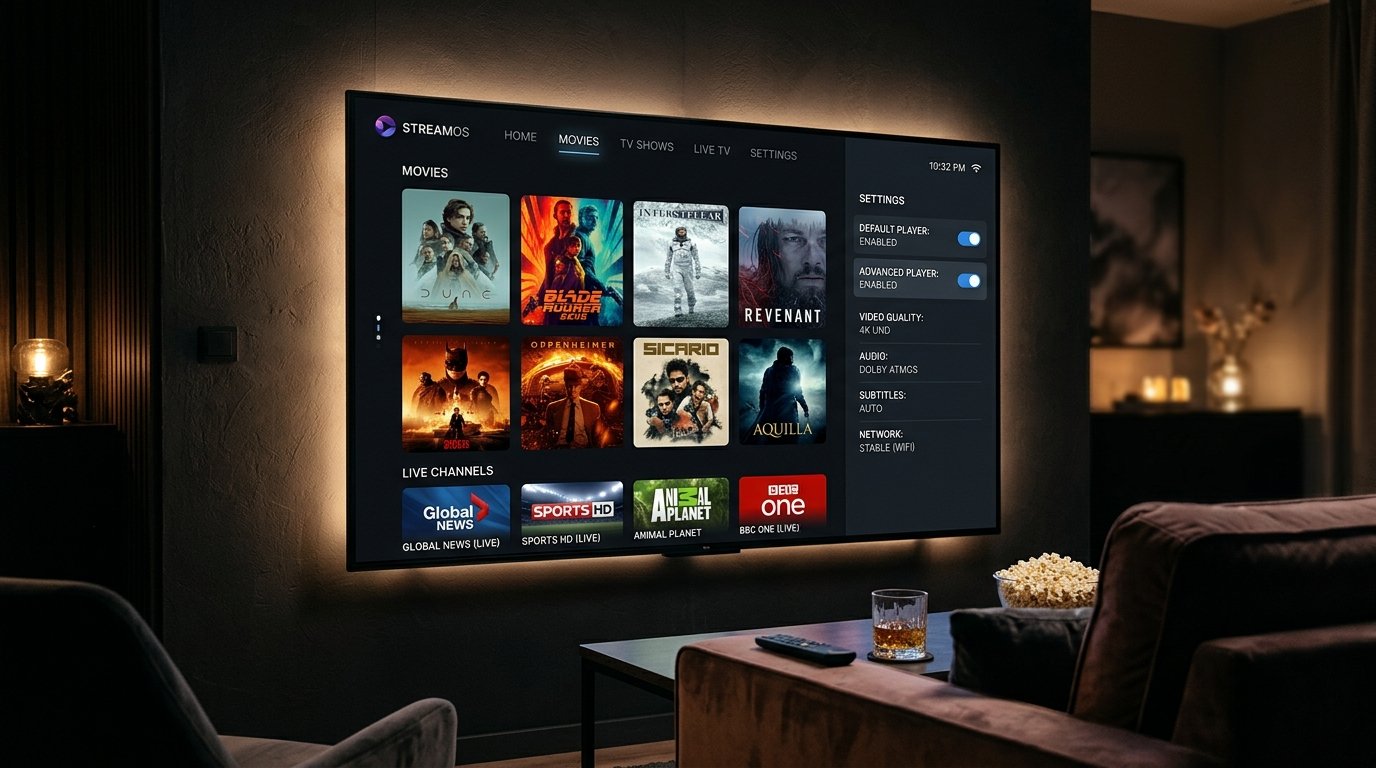
Developed by OTTRUN, XCIPTV Player is one of the most versatile, feature-rich media clients available for Android TV, Fire TV, and mobile devices. Renowned for its sleek dark-mode media center interface and robust stability, XCIPTV solves one of the biggest headaches in IPTV streaming: codec incompatibility. By bundling dual native video players (ExoPlayer and VLC Player) inside a single app, XCIPTV can decode virtually any live broadcast or on-demand format seamlessly.
In this 2026 review and setup guide, we examine XCIPTV's core architecture, show you how to configure your Eternal iptv Xtream Codes account, and explain how to utilize its built-in recording and VPN features.
Key Features That Set XCIPTV Apart
- Dual Player Architecture: Switch between Google's ExoPlayer and VideoLAN's VLC player with a single click in settings without restarting the application.
- Integrated VPN Protocols: Built-in OpenVPN client allows you to encrypt your streaming traffic directly inside the player app.
- Interactive EPG with Catch-Up: Full TV guide grid with support for past broadcast archives and future reminder alerts.
- External Storage Recording: Record live PPV events and matches directly to an attached USB flash drive.
- Comprehensive Backup & Restore: Export your favorite channels, custom settings, and layouts to a backup file.
Step 1: Installing XCIPTV on Firestick & Android TV
- On Android TV or Google TV, open the Google Play Store, search for "XCIPTV Player", and install the official app.
- On Firestick, open the Downloader app, enter the shortcode
284244(or download from the Amazon Appstore), and proceed with installation. - Launch XCIPTV from your apps screen.
Step 2: Connecting with Xtream Codes API
- On the welcome screen, you will be prompted for your server access details:
- Xtream Codes URL:
http://line.eternal-iptv.shop:8080 - Username: Your Eternal iptv username
- Password: Your Eternal iptv password
- Xtream Codes URL:
- Click Sign In. XCIPTV will authenticate with our Anti-Freeze server and begin caching your categories.
Step 3: Optimizing Video Decoder Settings
If you experience audio-video sync lag or dropped frames on high-bitrate 4K streams:
- Click the Settings icon in the top-right corner of the XCIPTV home menu.
- Select Player Selection.
- By default, Live TV, Movies, and Series are set to Built-in Player (ExoPlayer).
- If a specific 4K sports stream stutters, switch that category to VLC Player. VLC includes deeper software decoding tables that easily handle non-standard broadcast transport streams.
Ready to Stream 52,500+ Live Channels with Zero Buffering?
Experience Eternal iptv's dedicated NovaCast Ultra™ infrastructure. Get instant access to ultra-HD sports, 4K movies, and 24/7 technical customer support.