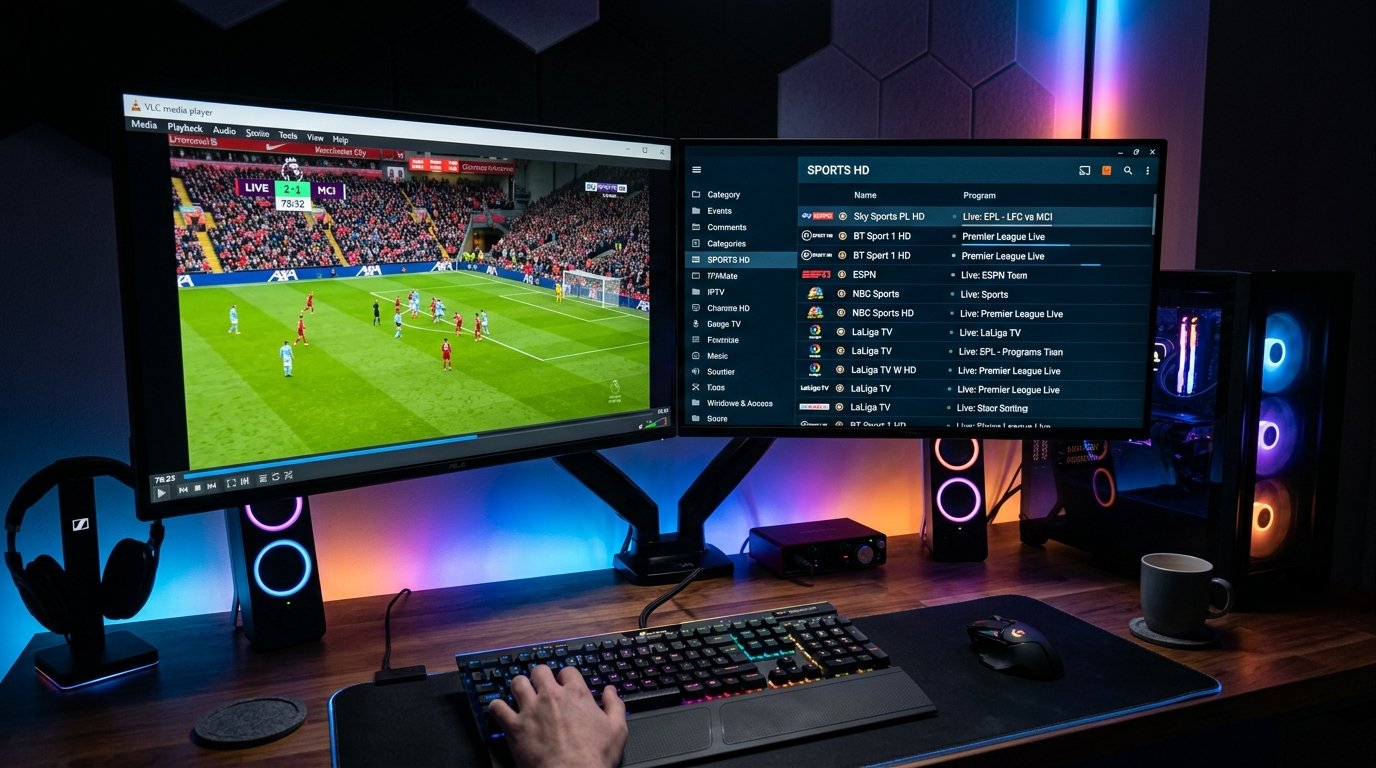
Watching IPTV on a Windows PC or Mac desktop computer is ideal for sports traders, multitaskers, and office productivity setups. With a multi-monitor workstation, you can monitor live international financial news, stream Premier League or NFL matches in high definition on a secondary display, and enjoy zero hardware limitations. Modern computer processors and GPUs easily decode high-bitrate 4K HEVC streams without breaking a sweat.
In this 2026 desktop guide, we review the two primary methods to stream your Eternal iptv package on computers: using the universal VLC Media Player for lightweight streaming, or installing the dedicated IPTV Smarters Pro desktop application for a full TV-style dashboard.
Method 1: Streaming via VLC Media Player (Windows & Mac)
VLC Media Player is free, open-source, and supports virtually every video codec in existence. It is the perfect tool for instant testing and streaming without installing third-party apps.
- Download and install the latest version of VLC from videolan.org.
- Launch VLC Media Player on your computer.
- Click Media in the top menu (or File on Mac) → select Open Network Stream... (keyboard shortcut
Ctrl + Non Windows,Cmd + Non Mac). - Paste your Eternal iptv M3U Plus URL into the network URL box.
- Click Play. VLC will download the channel playlist and start streaming immediately.
300ms to 1500ms. This creates a 1.5-second buffer that absorbs momentary internet micro-drops.
Browsing Channels in VLC
Press Ctrl + L (or Cmd + Option + 1 on Mac) to open the Playlist view. Here you will see all 52,500+ categorized channels. Use the search bar at the top of the playlist window to quickly find specific teams, networks (e.g. Sky Sports, ESPN, TNT), or PPV events.
Method 2: IPTV Smarters Pro PC & Mac Desktop App
If you prefer a structured interface with poster artwork, EPG timelines, and on-demand movies categorized like Netflix, install the native desktop client:
- Download the official IPTV Smarters Pro for Windows (.exe) or macOS (.dmg) installer.
- Open the installer and follow the setup wizard instructions.
- Launch the app and select Login with Xtream Codes API.
- Enter your account credentials from your welcome email:
- Any Name:
Eternal iptv Desktop - Username: Your username
- Password: Your password
- Server URL:
http://line.eternal-iptv.shop:8080
- Any Name:
- Click Add User. The desktop application will build your complete EPG and VOD catalog with full mouse and keyboard navigation.
PC Multiview & Picture-in-Picture Tips
On Windows 11, you can snap multiple VLC windows side-by-side using Snap Layouts (Windows Key + Z). Open Tools → Preferences → Interface and uncheck "Use only one instance". Now you can launch 2, 3, or 4 simultaneous streams on a 4K monitor to watch multiple games at the same time!
Ready to Stream 52,500+ Live Channels with Zero Buffering?
Experience Eternal iptv's dedicated NovaCast Ultra™ infrastructure. Get instant access to ultra-HD sports, 4K movies, and 24/7 technical customer support.