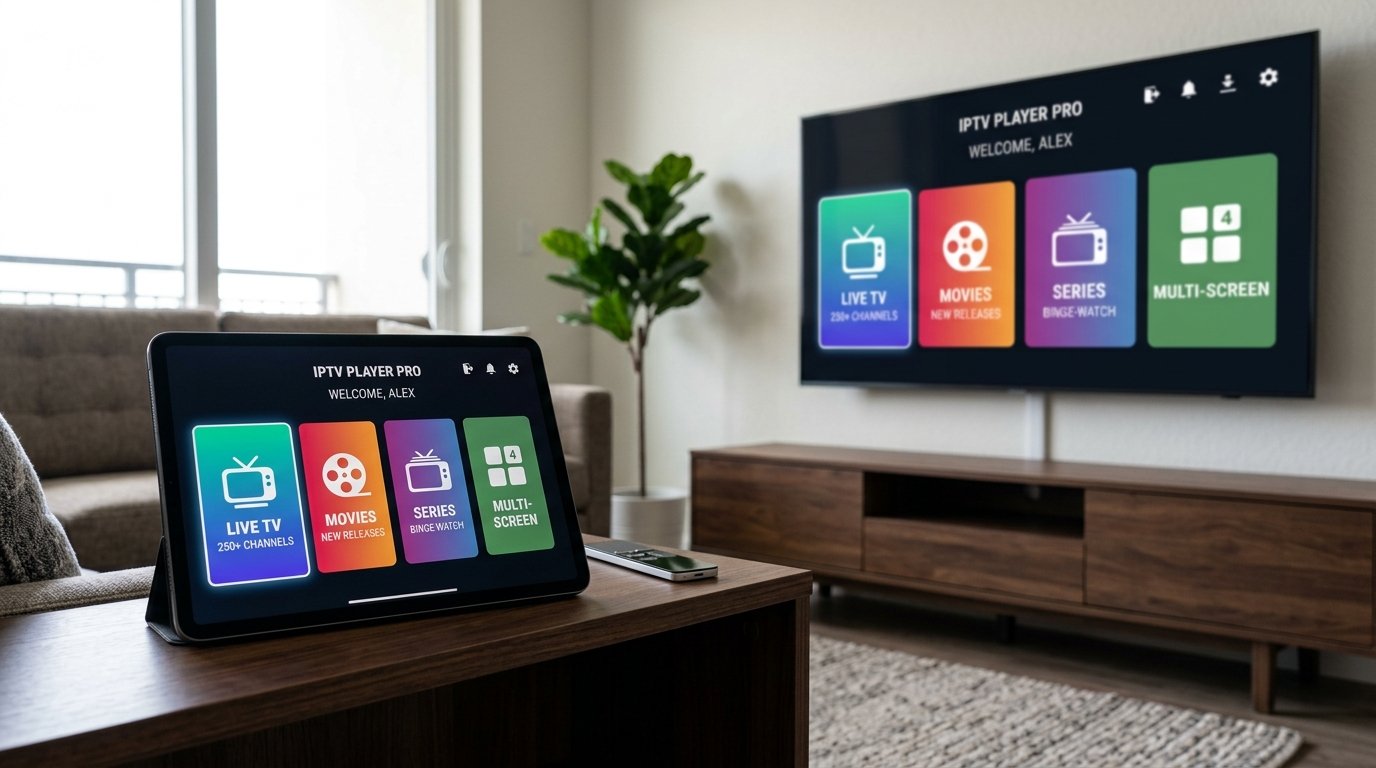
With more than 50 million global downloads, IPTV Smarters Pro (also known as Smarters Player Lite on Apple App Store) is the most widely adopted IPTV client in history. Its intuitive, color-coded home dashboard divides content cleanly into Live TV, Movies, Series, and Catch-up, making it exceptionally user-friendly for families, non-technical viewers, and smart home enthusiasts alike.
In this 2026 guide, we demonstrate how to install the official IPTV Smarters application on your device, connect to the Eternal iptv NovaCast Ultra™ network, lock adult channels with parental PIN codes, and use the built-in multi-screen viewer.
Why IPTV Smarters Pro Remains a Global Favorite
- Universal Device Support: Native apps available for Firestick, Android, iOS, Windows PC, Mac, and Samsung/LG Smart TVs.
- Xtream Codes API Native: Fast authentication without typing long, error-prone 200-character M3U URL links.
- Built-In Speed Test: Test your connection speed directly to Eternal iptv streaming servers from the settings menu.
- Parental PIN Protection: Lock specific categories (such as 18+ adult content) behind a secure 4-digit code.
- External Player Support: Seamlessly integrate VLC Player or MX Player for high-bitrate 4K MKV files.
Step-by-Step: Logging into Eternal iptv with Xtream Codes API
- Open the IPTV Smarters Pro app on your device.
- Accept the standard terms of service.
- On the login selection screen, choose "Login with Xtream Codes API" (recommended over M3U playlist file).
- Fill in the four required fields:
- Any Name:
Eternal iptv Premium - Username: Your subscriber username
- Password: Your subscriber password
- Server URL with Port:
http://line.eternal-iptv.shop:8080
- Any Name:
- Click ADD USER. The app will verify credentials with our server and download your customized live channel and on-demand index.
http:// at the beginning of the Server URL and the port number (e.g. :8080) at the end. Omitting the port is the #1 reason for failed logins.
How to Setup Parental Controls in IPTV Smarters
If children use your streaming device, you can easily restrict access to mature categories:
- From the Smarters home screen, click the Settings (gear) icon in the top-right corner.
- Select Parental Control.
- Set a secure 4-digit password (e.g.
1234) and confirm it. - Toggle the lock icon next to any sensitive categories (such as Adult 18+, Mature Cinema, etc.).
- Click Save. These categories will now require your PIN code every time they are opened.
Enabling Multi-Screen Streaming on Smarters Pro
IPTV Smarters includes a native multi-screen viewer that splits your screen into 2 or 4 equal quadrants. To use it, simply click the Multi-Screen tile on the home screen, choose your desired grid layout (2 Screens or 4 Screens), and click the + button inside each box to select a channel. It is the perfect tool for monitoring multiple sports matches on Saturday afternoons!
Ready to Stream 52,500+ Live Channels with Zero Buffering?
Experience Eternal iptv's dedicated NovaCast Ultra™ infrastructure. Get instant access to ultra-HD sports, 4K movies, and 24/7 technical customer support.