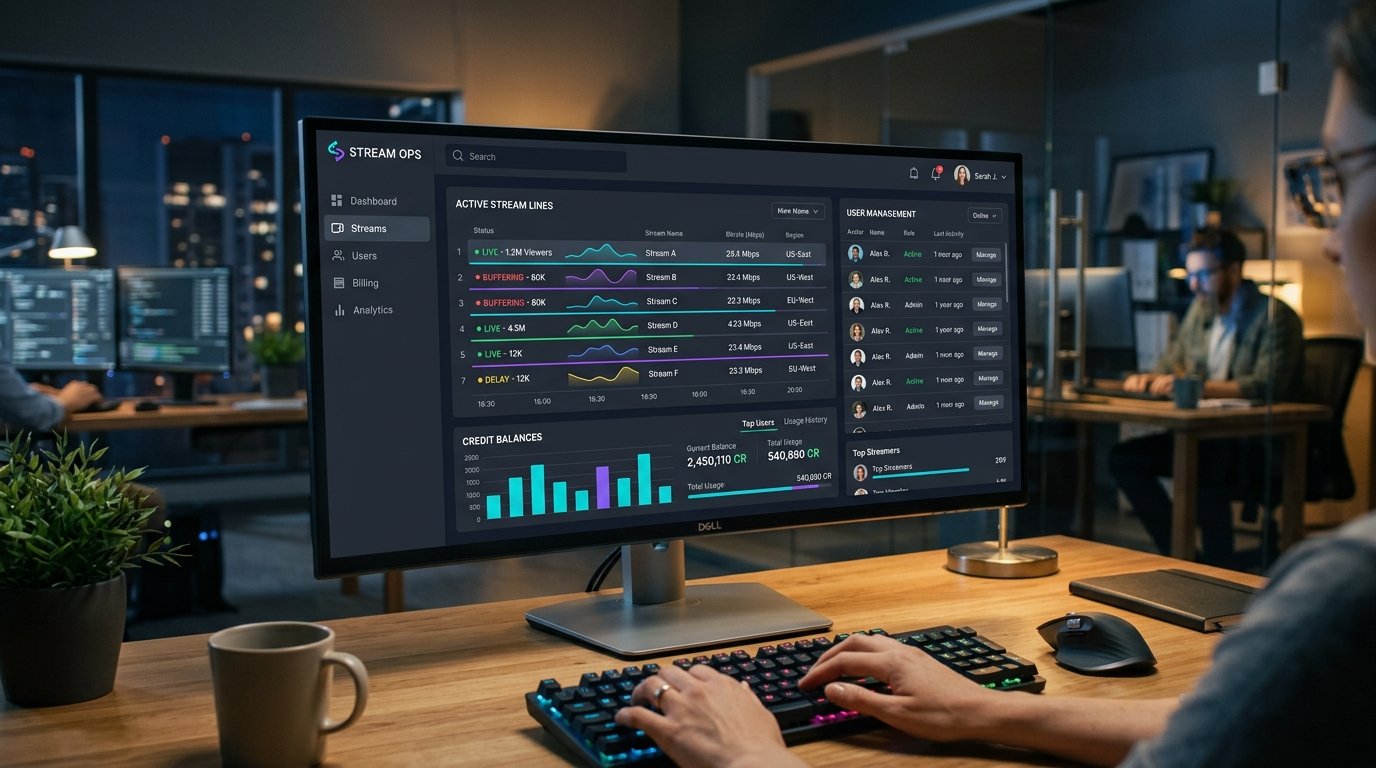
The Xtream Codes web management panel (and its modern derivative Xtream UI) is the undisputed industry standard control interface for IPTV service operators. Fast, secure, and accessible from any smartphone, tablet, or desktop browser, your reseller panel allows you to manage thousands of active subscribers in real-time with zero technical coding required.
In this 2026 admin walkthrough, we tour the complete Eternal iptv reseller dashboard, demonstrate how to create customer lines in under 30 seconds, and show you how to customize channel packages to delight your clients.
Step 1: Logging into Your Reseller Control Center
- Open your web browser and navigate to your assigned panel URL (e.g.
panel.Eternal iptv.com). - Enter your administrator username and secure password provided upon reseller pack activation.
- The main dashboard loads, displaying three key real-time telemetry widgets:
- Remaining Credit Balance: Available credits for new accounts and renewals.
- Active Lines: Number of currently active subscriber contracts.
- Online Streams: How many clients are actively watching streams right now.
Step 2: Creating a 24-Hour Free Trial in 3 Clicks
- Click Manage Lines in the left navigation sidebar → select Create Trial Line.
- The panel will automatically generate a randomized, secure Username and Password.
- Select Package Duration:
24 Hours (0.00 Credits). - Click Generate.
- Copy the resulting M3U URL or Xtream Codes login credentials and send them directly to your prospect via WhatsApp, Telegram, or email.
Step 3: Creating an Official Paid Subscription Line
- In the sidebar, click Create New Line.
- Type a custom username (or allow automatic generation) and enter a strong password.
- Under Select Package, choose the plan duration purchased by your client (e.g. 1 Month, 3 Months, 6 Months, or 12 Months).
- Bouquet Selection (Crucial Step): By default, all 52,500+ channels and 115,000+ VOD titles are checked. If your client only wants UK sports and US cinema, you can uncheck other regions (e.g. Arabic, French, German, Adult). This keeps your client's player lightning fast!
- Click Save & Activate. Your credits balance will deduct accordingly, and the account goes live on our worldwide edge servers instantly.
Step 4: Monitoring Concurrent Connections & Kill Connection
If a customer contacts you stating "Audio plays on my TV but my tablet says stream limit reached," you can inspect their connection in real-time:
- Navigate to Live Connections in the sidebar.
- Locate the client's username. You will see their active IP address, connected channel, and player app.
- Click Kill Connection (Reset Line). This closes any zombie or disconnected background sessions, allowing the customer to log back in cleanly.
Ready to Stream 52,500+ Live Channels with Zero Buffering?
Experience Eternal iptv's dedicated NovaCast Ultra™ infrastructure. Get instant access to ultra-HD sports, 4K movies, and 24/7 technical customer support.