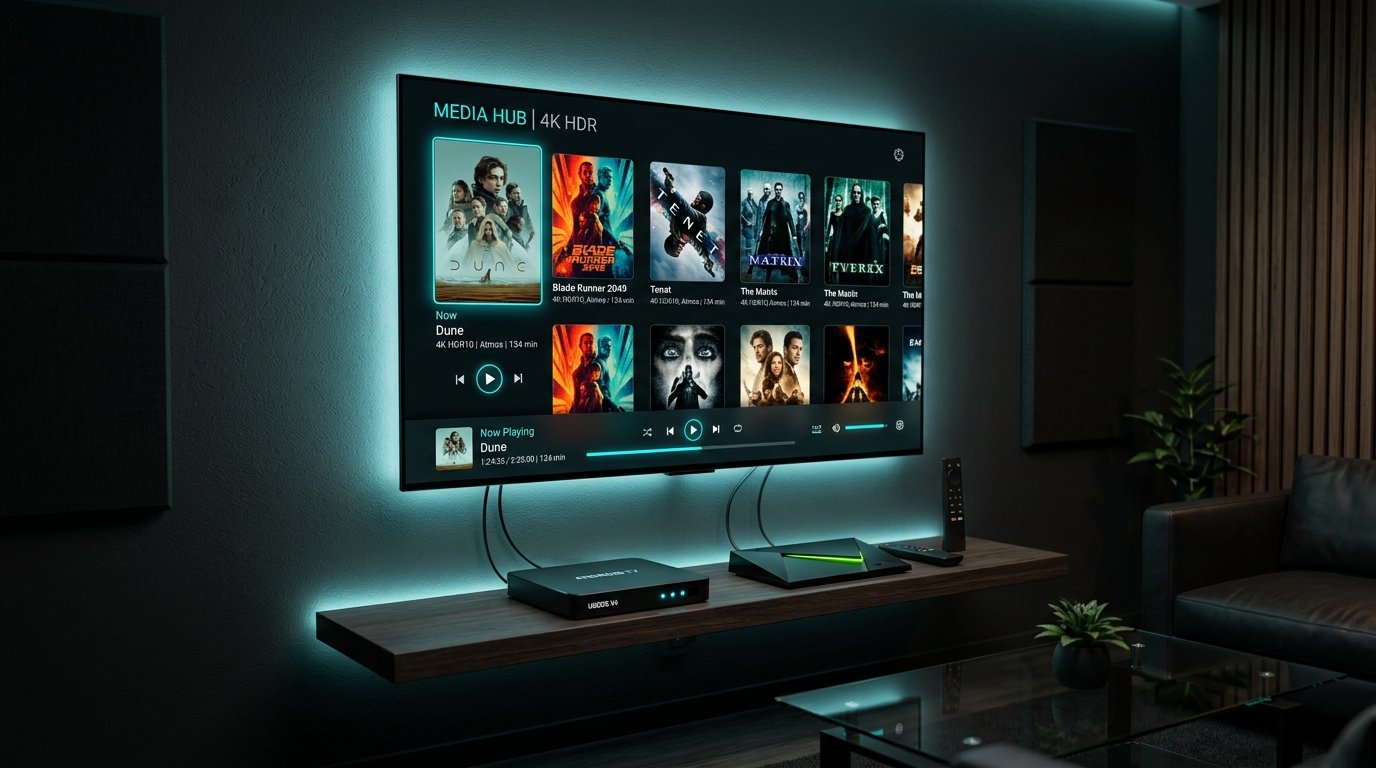
Setting up IPTV on Android TV Box and Nvidia Shield Pro gives you the single most powerful cord-cutting setup available today. Unlike low-powered streaming dongles, premium Android TV devices feature dedicated Gigabit Ethernet ports, Tegra X1+ or Amlogic S905X4 processors, and expandable USB 3.0 storage. These specifications allow you to stream uncompressed 4K 60FPS sports broadcasts and 115,000+ VOD titles without dropped frames or thermal throttling.
Whether you are using an Nvidia Shield TV Pro, a Chromecast with Google TV, a Xiaomi Mi Box S, or an Onn 4K Pro, this step-by-step 2026 masterclass shows you how to install the best media players, configure your Eternal iptv subscription credentials, and optimize video decoding for zero-buffer performance.
Step 1: Choose Your Preferred IPTV Player for Android TV
Before entering your server credentials, you must install a dedicated IPTV player engine. Because Android TV supports standard APK installations, you have access to the finest player ecosystem in the world:
- TiviMate IPTV Player (Top Pick): Unmatched cable-style EPG, instant sub-second channel zapping, and Quad-Screen multiview.
- IPTV Smarters Pro: Clean modern UI, built-in speed test, multiple playlist management, and robust parental controls.
- XCIPTV Player: Dual ExoPlayer/VLC video decoders, customizable themes, and integrated VPN compatibility.
Step 2: Installing TiviMate via Google Play Store
- Turn on your Android Box or Nvidia Shield and navigate to the Google Play Store.
- Click the search icon and type "TiviMate IPTV Player".
- Select the official app developed by Armobsoft FZE and click Install.
- Once downloaded, launch the application. You will be greeted with the setup wizard screen asking to Add Playlist.
tivimate.com, and download the official APK directly.
Step 3: Configuring Xtream Codes API on Android TV
When you activate your Eternal iptv Free Trial or active subscription, you receive an automated activation email containing three critical parameters:
| Parameter Field | Example Input Format | Technical Function |
|---|---|---|
| Server URL | http://line.eternal-iptv.shop:8080 |
Direct connection to NovaCast Ultra™ Anycast edge node |
| Username | eternaliptv_user789 |
Secure subscriber authentication token |
| Password | SecurePass99! |
Encrypted handshake key |
In TiviMate, select Add Playlist → choose Xtream Codes → enter your Server URL, Username, and Password. Check the box labeled Include VOD so your system populates our catalog of 115,000+ films and series. Click Next to begin the initial metadata download.
Step 4: Optimizing Video & Audio Hardware Decoding
To get true broadcast-grade fidelity on 4K televisions, adjust these advanced settings inside your Android TV player:
- Video Decoder: Set to
Hardware (HW). This instructs your Nvidia or Amlogic GPU to decode HEVC H.265 streams rather than forcing CPU software decoding, preventing frame drops. - Auto Frame Rate (AFR): Enable AFR in TiviMate settings (Settings → Playback → Auto Frame Rate). This synchronizes your TV refresh rate (e.g. 50Hz for European sports, 59.94Hz for US NFL/NBA) to eliminate judder.
- Audio Passthrough: If you use an external AV Receiver or Dolby Atmos soundbar, enable Audio Passthrough so digital 5.1/7.1 audio signals are processed natively.
Frequently Asked Questions: Android Box IPTV Setup
Can I record live sports matches on an Android TV Box?
Yes. TiviMate and XCIPTV both support direct local recording. Simply connect a formatted USB 3.0 flash drive or external SSD to your Nvidia Shield or Android Box, designate it as the recording directory in player settings, and schedule any upcoming match from the EPG.
Why is Ethernet recommended over Wi-Fi on Android TV?
While Wi-Fi 6 is fast, local wireless interference causes latency spikes (jitter) that can disrupt continuous live video transport streams. A direct Cat6 Ethernet cable ensures steady throughput with under 5ms ping to your local router.
Ready to Stream 52,500+ Live Channels with Zero Buffering?
Experience Eternal iptv's dedicated NovaCast Ultra™ infrastructure. Get instant access to ultra-HD sports, 4K movies, and 24/7 technical customer support.